Audio Mic Patch Management: The Guide for A1 & A2 Technicians
Avoid stage chaos with advanced audio mic patch management. Discover how A1 and A2 technicians collaborate in real-time on mic plots and RF coordination.

In the high-pressure environment of live events, audio mic patch management is often the weakest link. While the light show is programmed and video content starts on time, the audio department often still relies on handwritten tape on the mixing console or static Excel lists that are already outdated by the first soundcheck. For an A1 (Front of House) and A2 (Stage Tech), an error in the mic patch is not just a technical issue; it is a direct threat to the show's integrity.
Why mic management is the #1 cause of show errors
Most errors during a live production are not due to hardware failure, but to human communication errors in the patch. When Speaker A leaves the stage and Speaker B immediately follows with a handheld that should actually still be at the transmitter desk for a battery change, panic ensues. Without a centralized system for audio mic patch management for live events, the margin for error is simply too large.
A lack of real-time insight into which beltpack is where leads to 'dead air'. The A1 opens the fader based on the cue list, but there is no signal because the A2 hasn't been able to check the gain structure or the transmitter simply hasn't been issued. This is where digital integration becomes essential.
The three-phase workflow: From Inventory to Reporting
Effective mic management requires a disciplined approach that goes beyond just labeling transmitters. We divide this into three critical phases within the run-of-show.
Phase 1: Pre-show (Inventory & Assignment)
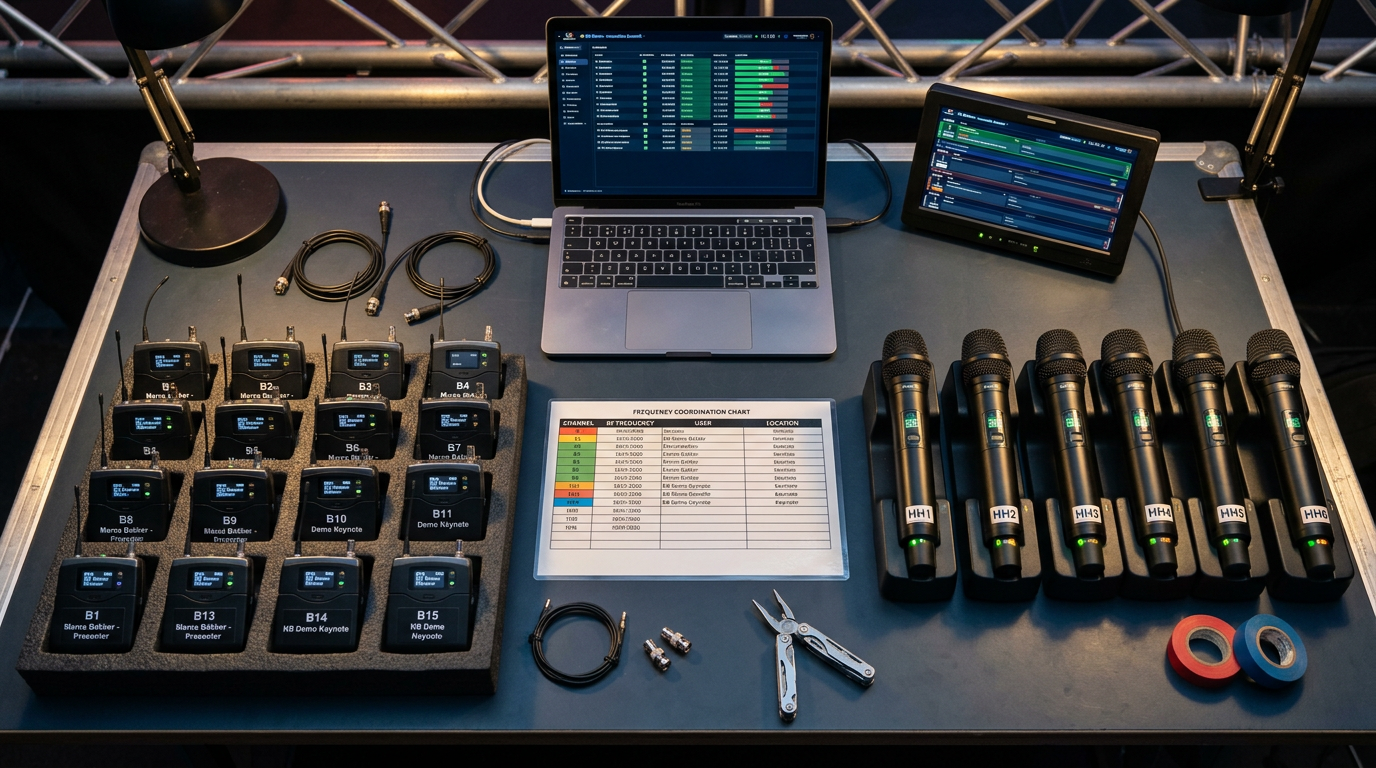
During the pre-show phase, the A2 sets up the transmitter desk. Here, all handhelds, headsets, and IEM (In-Ear Monitor) bodypacks are inventoried. Each device gets a unique ID linked to a specific frequency from the RF coordination. In this phase, the foundation is laid in the cue sheet app, where each cue is provided with the necessary audio assets.
Phase 2: During the show (Handoffs & Conflicts)
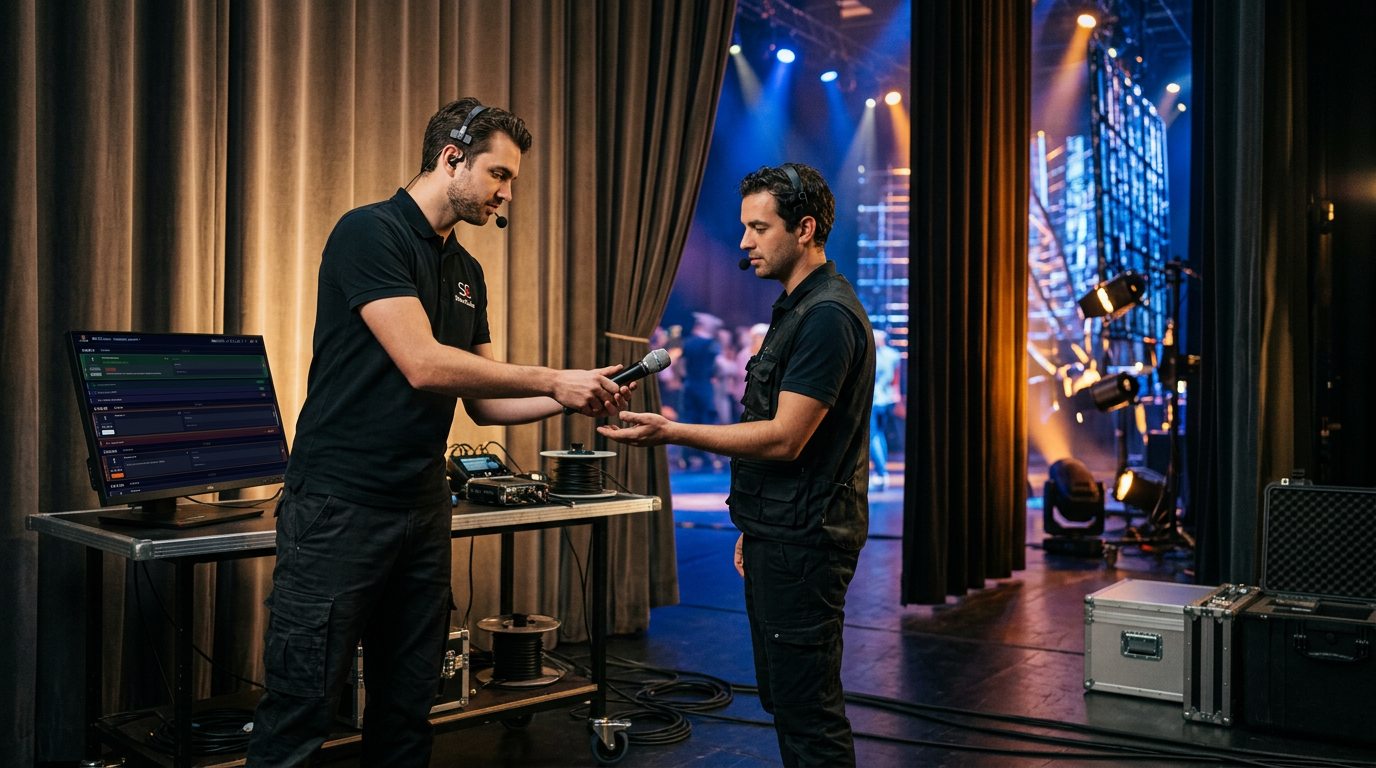
This is the most dynamic phase. The A2 marks in the system when a mic is issued ('Out') and when it is 'In' again. Because ShowCaller is fully web-based via Firebase WebSockets, the A1 at the mixing console sees the status change instantly. No more shouting over the intercom about whether the AA batteries are full; the status is visible in real-time.
Phase 3: Post-show (Returns & Reporting)
After the event, the system generates a report. Which transmitters showed RF interference? Which headset cable needs replacement? This is crucial for the rental company or the permanent installation manager to maintain inventory levels.
Sample Mic Plot Table
A professional mic plot is the source of truth for the entire audio crew. Below is an example of how this is displayed in a digital system:
| Speaker | Device | Channel | Frequency | Cue Range |
|---|---|---|---|---|
| CEO - John Doe | Shure Axient Handheld | CH 01 | 470.200 MHz | Cue 1.0 - 1.5 |
| Panel Member 1 | DPA 4066 Headset | CH 02 | 474.550 MHz | Cue 2.0 - 2.8 |
| Panel Member 2 | Sennheiser SK6000 | CH 03 | 482.125 MHz | Cue 2.0 - 2.8 |
| Keynote Guest | Shure Axient Handheld | CH 01 | 470.200 MHz | Cue 3.5 - 4.0 |
Conflict detection: Preventing the 'Double Patch'
One of the biggest nightmares for an audio engineer is the 'double patch' or an impossible changeover. Imagine: Speaker A uses Handheld 1 in Cue 10. Speaker B needs Handheld 1 in Cue 11. However, if Speaker A exits on the other side of the stage and the A2 physically needs three minutes to retrieve and check the mic, a conflict arises.
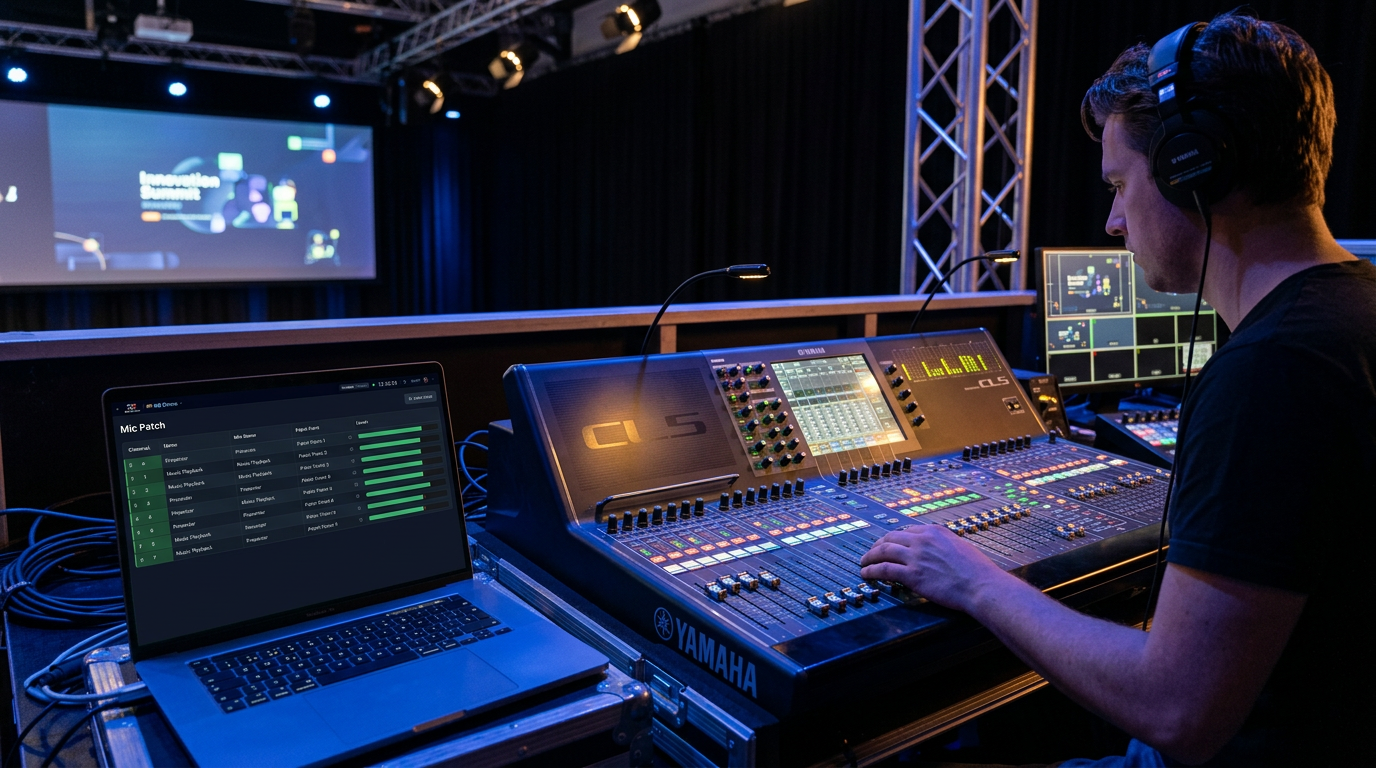
Advanced audio mic patch management software flags these conflicts automatically. The system calculates the 'turnaround time'. If a device is reused within 2 cues without a marked 'return', the crew receives a visual warning. This forces the A1 to free up an extra channel or the A2 to deploy an extra transmitter.
RF Coordination and digital tracking
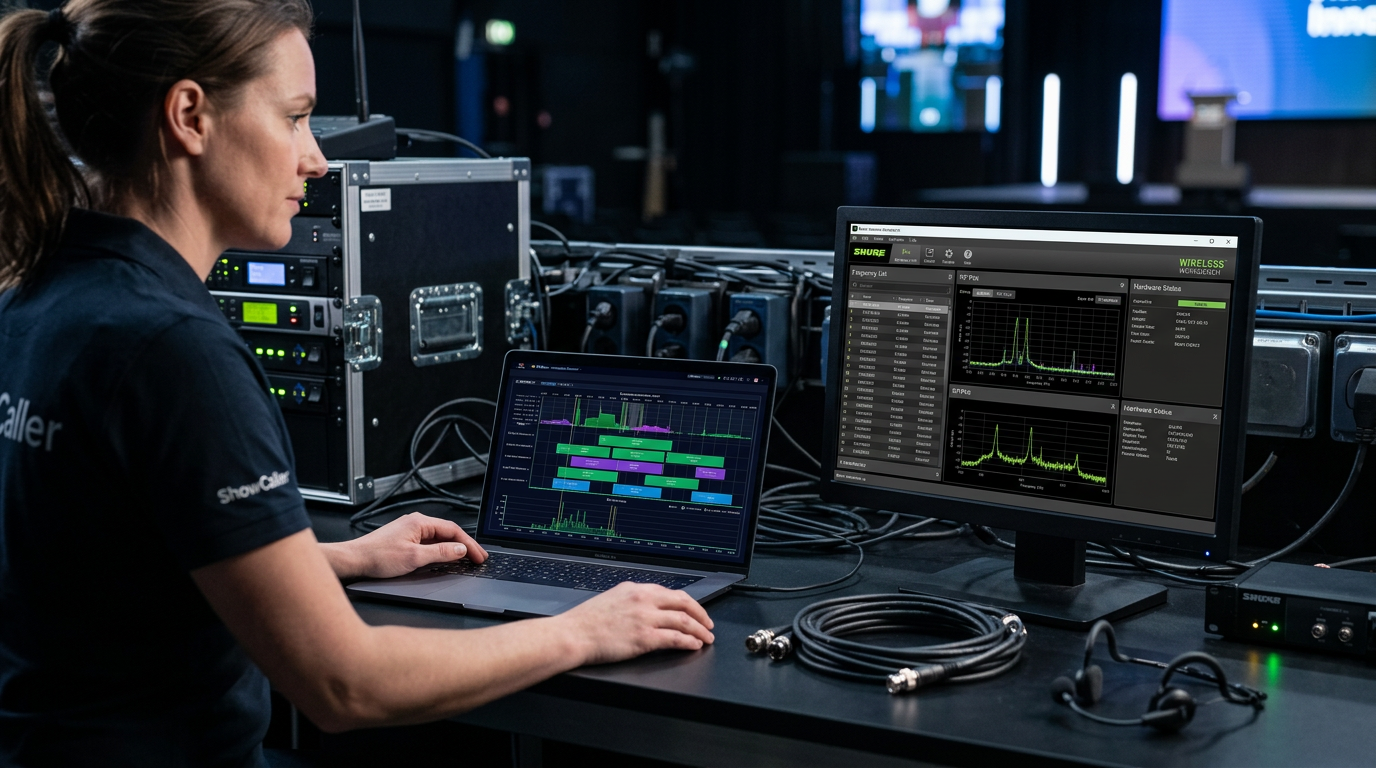
While tools like Wireless Workbench (WWB) or Sennheiser Control Cockpit are essential for physical RF calculations, they often don't integrate with the artistic workflow. The RF coordinator ensures an intermodulation-free plan according to local regulations. The next step is linking these frequencies to the features of your show management platform.
By putting RF data (frequency, group, channel) directly into the patch list, the A1 can instantly see which spare frequency is assigned during interference without diving into a separate Excel sheet. In environments with many LED walls and other RF pollution, this responsiveness is crucial.
The A1/A2 Split: Who sees what?
In a modern digital system like ShowCaller, the A1 and A2 use different views of the same data. The A1 focuses on console integration and the show caller software to anticipate the next fader movement. The A2 uses a tablet view focused on the transmitter desk.
- A1 View: Focus on Cue numbers, fader labels, and mute status.
- A2 View: Focus on battery status, physical distribution, and mic returns.
Because ShowCaller works via 4G/5G failover, the sync between FOH and backstage is guaranteed, even if the local WiFi network for the audience becomes overloaded.
FAQ: Frequently Asked Questions about Audio Mic Patching
How do you handle sudden frequency interference during the show?
In case of interference, the A2 must be able to switch immediately to a 'spare' frequency that has already been coordinated. This is updated instantly in the patch system so the A1 knows the channel is still reliable. ShowCaller's real-time WebSockets ensure this change is visible everywhere within milliseconds.
Can the A2 track returns independently?
Yes, in a professional setup, the A2 has their own interface. As soon as a speaker leaves the stage, the A2 checks the mic as 'Returned'. The A1 sees the status change from 'Active' to 'Safe' on their screen, indicating the mic is physically back and ready for the next change.
What is the best way to onboard guest technicians into the patch?
By using the documentation and a shared digital environment, guest technicians can access the current patch via a simple link. This prevents confusion over channel lists changed during rehearsals.
How important is gain structure in the digital patch?
Crucial. Preamp gain should be noted per speaker in the patch notes, especially if transmitters are shared between speakers with a large difference in vocal volume.
Conclusion for the Audio Professional
Audio mic patch management for live events is not an administrative task; it is a technical foundation. By moving from static documents to a real-time, web-based platform, you minimize the risk of errors and give the audio crew the peace of mind to focus on the mix. Check out our pricing for options to take your next production to a higher technical level, or contact us for a custom demo.