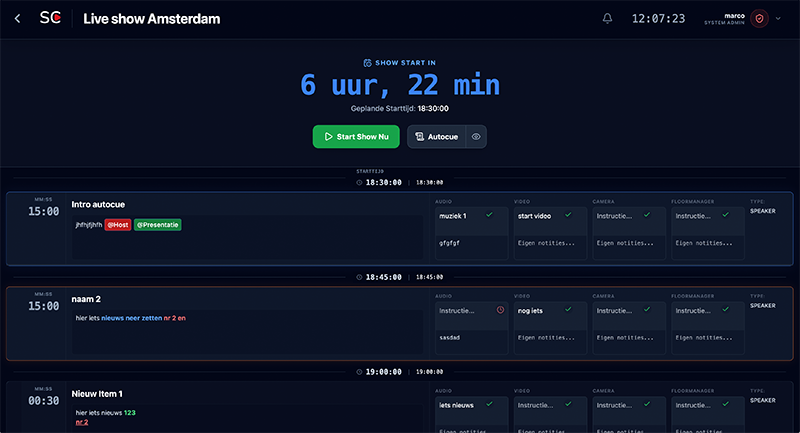
The Intelligent Cue List for Live Events
Stop printing static spreadsheets. ShowCaller is the digital cue list that moves with your show, calculates when you're running late, and communicates with your crew.
Start free cue listFrom Excel Chaos to Technical Precision
A traditional cue list in Excel is outdated the moment you press 'Print'. In a live environment, everything is constantly changing: times shift, cues are added, and the order changes. ShowCaller offers one central 'Single Source of Truth' for Direction, Lighting, Sound, Video, and Backstage. Everyone looks at the same list, but only sees what is relevant to them.
Powerful Tools for Operators & Show Callers
Real-time Synchronization
Changes are immediately visible to the entire crew. If the Show Caller adds or moves a cue, the Lighting and Sound operators see it directly on their tablet or laptop. No more emailing 'Version_Final_V3.xlsx'.
Intelligent Time Calculation
Is the show running 5 minutes late? Don't panic. Adjust the start time and ShowCaller immediately calculates all new expected times for the rest of the show. You can see at a glance what time the end time will be.
Filtered Views
Less is more. A sound engineer doesn't need to see the cues for the fly system. In ShowCaller, each crew member filters their own columns, while the Stage Manager maintains the overall view.
Show Caller Mode
Especially for during the show: an interface with large clocks, clear 'Active' and 'Next' highlighting, and a large 'Current Item' bar. Optimized for readability in dark control rooms (Dark Mode).
Bitfocus Companion Integration
Connect your digital cue list to your physical hardware. Trigger cues on your Stream Deck via our local Companion integration. Send commands to your lighting console, QLab, or media server directly from your cue list.
Excel Import & PDF Export
Don't start from scratch. Import your existing script or cue list directly from Excel. Do you still need to print for a guest technician? Generate a clean, readable PDF with one click.
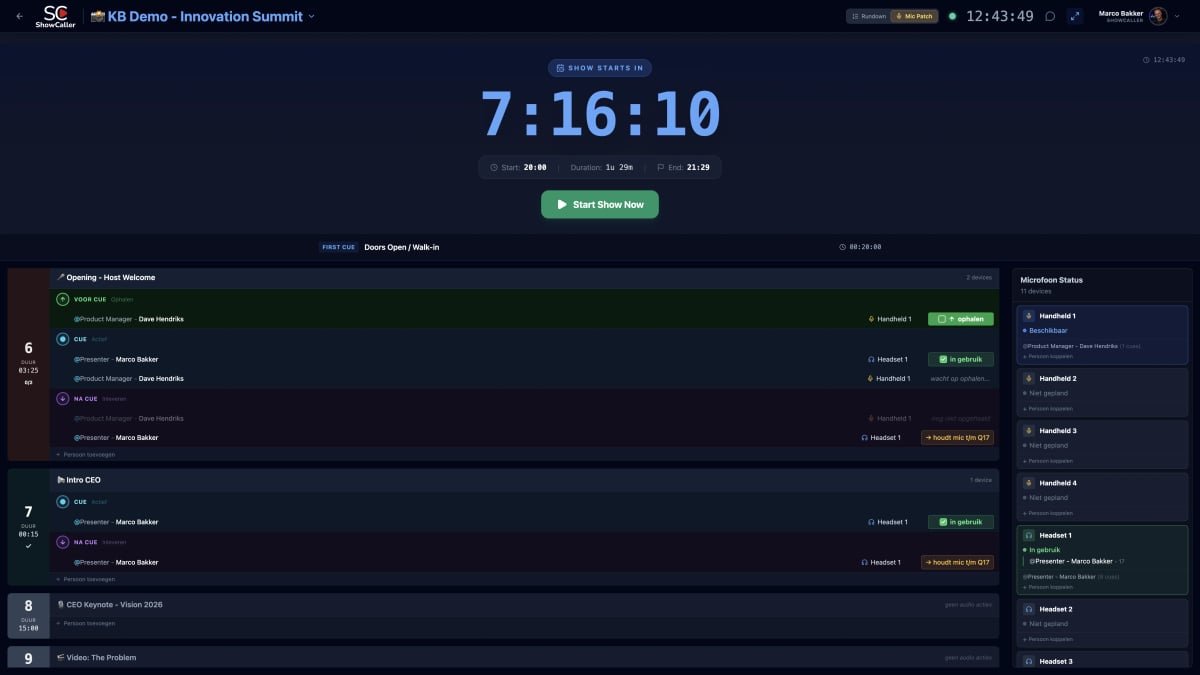
How does it work?
From setup to show in 3 easy steps
Import or Start New
Upload your existing Excel cue sheet or start with a blank template. ShowCaller supports all standard columns (Time, Cue, Description, etc.) and you can add custom columns for your specific workflow.
Configure your Crew Views
Set up filtered views per department. The lighting operator only sees lighting cues, the sound engineer only audio cues. The Stage Manager maintains the complete overview. Everyone works with the same data, but only sees what is relevant.
Start the Show
Press 'Start' and the clocks run. During the show, you can adjust times, add or move cues. All changes are immediately visible to the entire crew. ShowCaller automatically calculates new expected times.
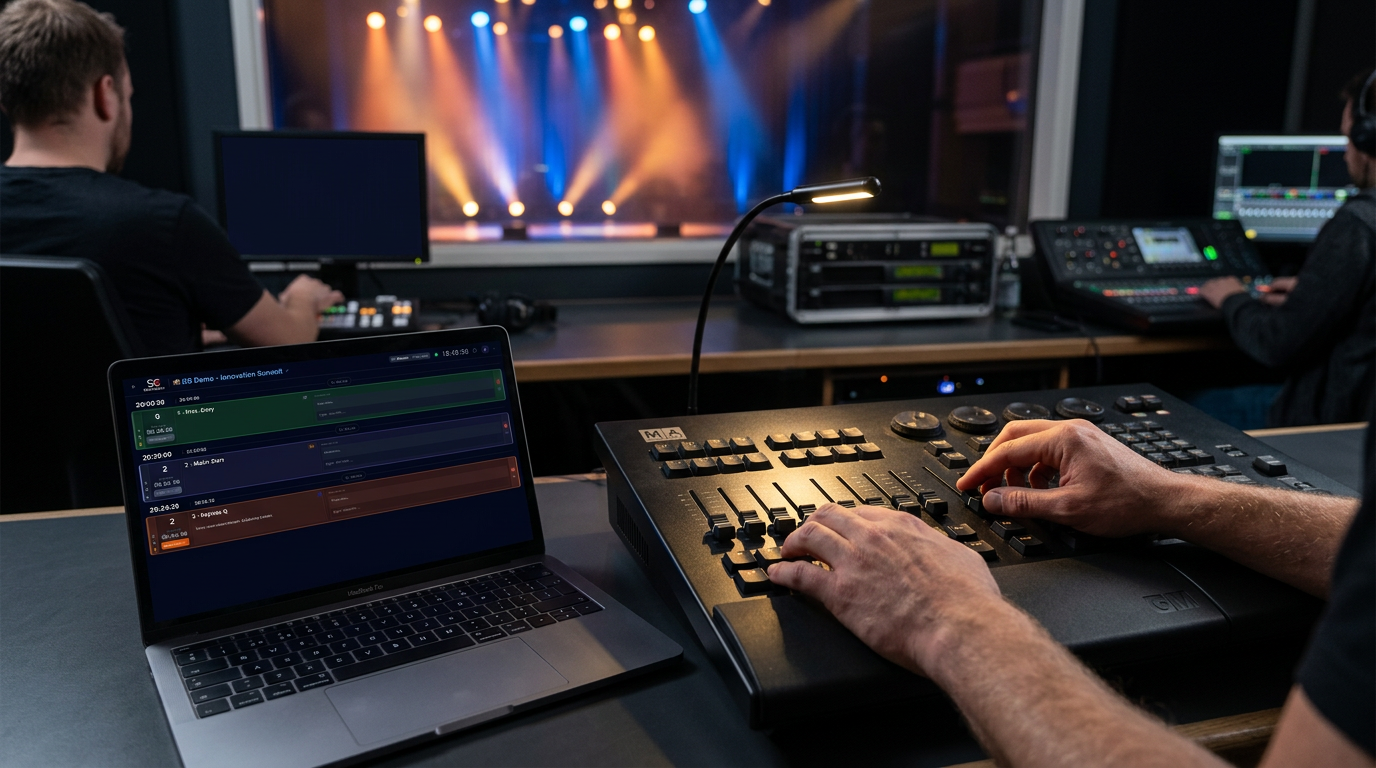
Lighting cues seamlessly connected
Your cue list automatically syncs with your lighting desk via Companion
Who is ShowCaller for?
ShowCaller is built for professionals who need precision and reliability:
🎭 Theater & Musicals
Complex productions with hundreds of cues for lighting, sound, video, and mechanics. Each operator has their own filtered view, while the Stage Manager maintains the overall view.
📺 Live Television & Broadcasting
Real-time synchronization between direction, technology, and presentation. Timing is critical, and ShowCaller ensures that everyone is watching at the same time.
🎪 Corporate Events & Conferences
From keynotes to award shows: one central cue list that synchronizes all departments. No more confusion about which version is the 'correct' one.
🎵 Concerts & Festivals
Multi-act productions where timing and communication are crucial. ShowCaller helps your crew to get through the show smoothly, even if artists run late.
Why AV Professionals are Switching
Managing a complex show requires focus. ShowCaller takes the calculation and version management out of your hands. Whether you're running a theater production, corporate event, or live television broadcast, you want to be able to blindly trust your cue list.
Color Coding & Visual Organization
Each cue type gets its own color (Video = blue, Audio = green, Light = yellow, Speech = purple). At a glance, you can see what's happening and what's coming up.
Automatic Duration Addition
ShowCaller automatically calculates the total duration of your show. Adjust a start time and all expected times are recalculated immediately. Perfect for when a speaker runs 10 minutes late.
Ingenious Timer Functionality
Use the built-in timer to see in real-time how much time you are ahead or behind. With one click, you can adjust the start time and all times will shift accordingly.
Modern Standard
ShowCaller is the modern standard for technical event management. Stop with Excel, stop printing, start with digital.
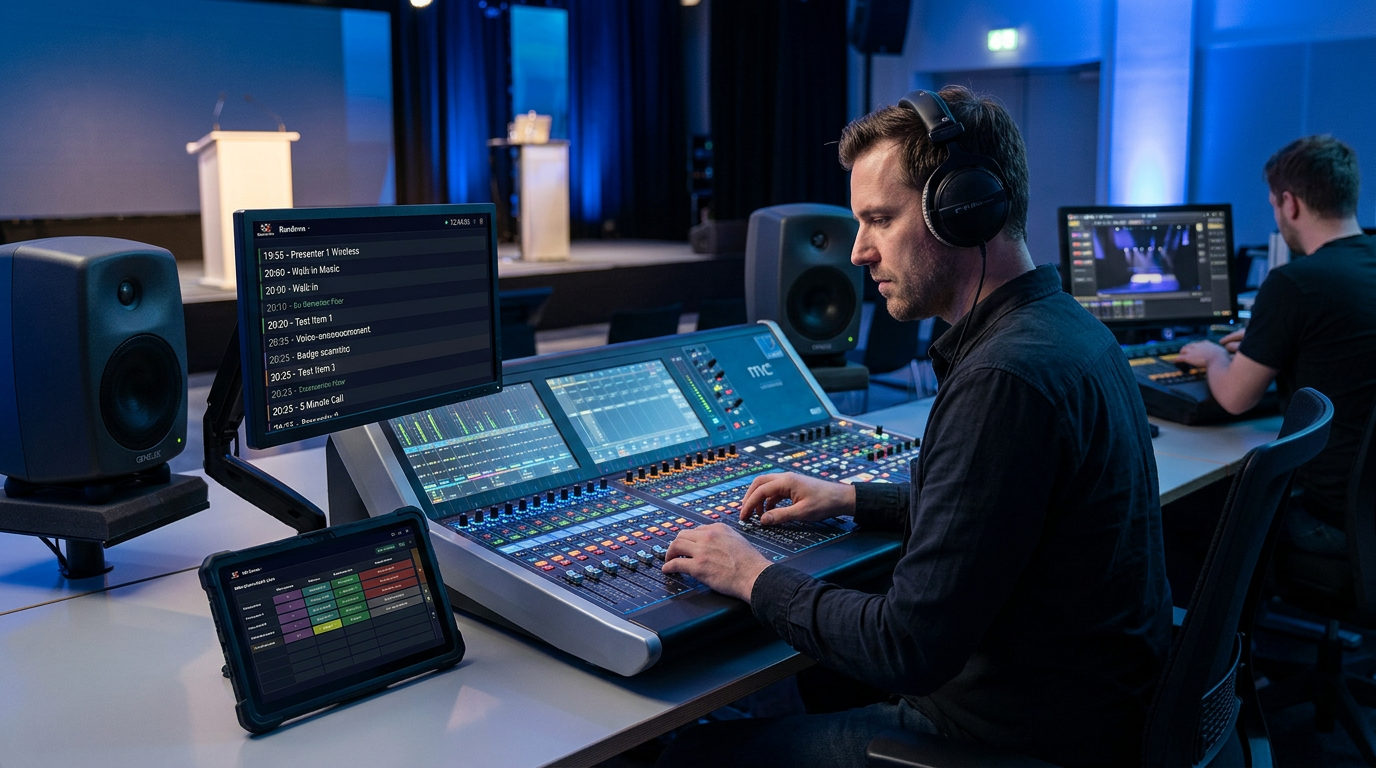
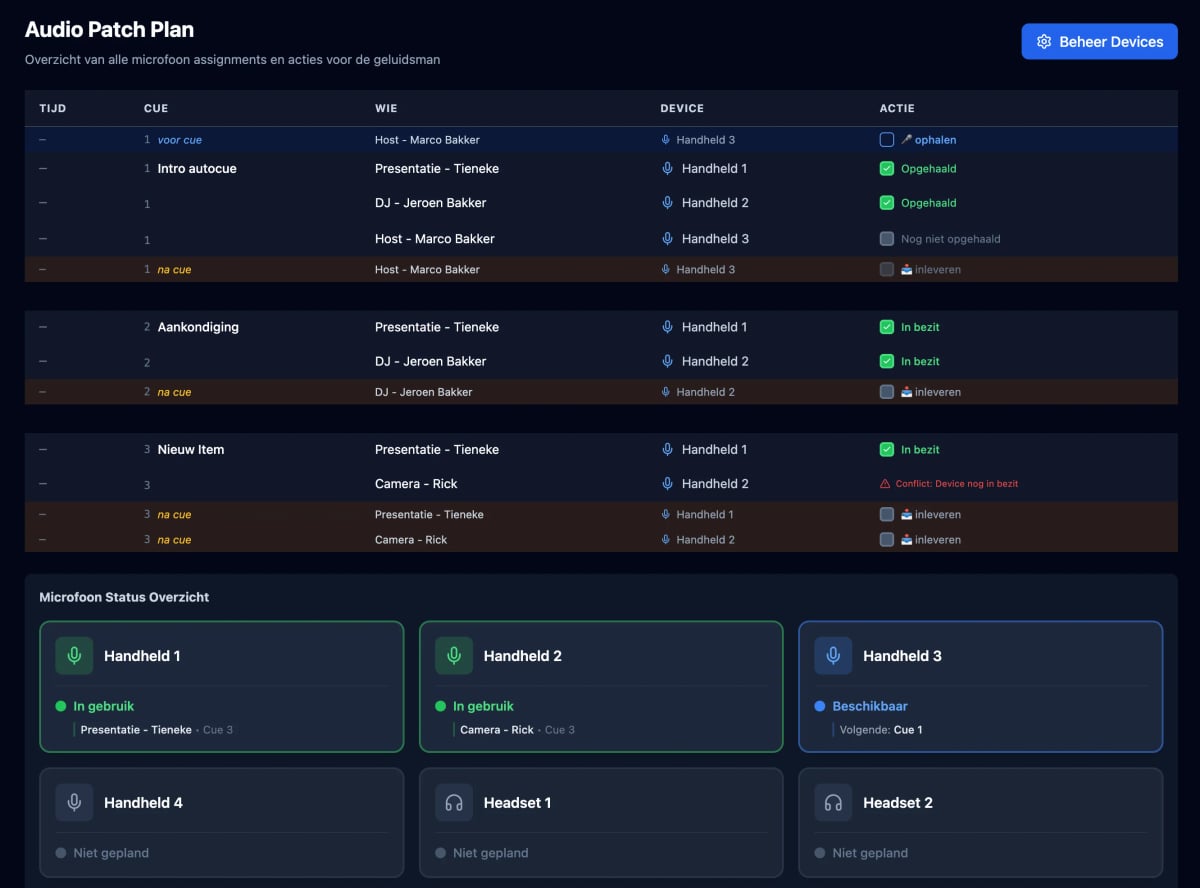
Audio monitoring and mic patches
The sound engineer sees exactly which microphone is assigned where
Frequently Asked Questions about Cue Lists
Can I import my existing Excel cue sheet?
Yes! ShowCaller supports direct import of Excel files. Your columns are automatically recognized and you can get started right away. Custom columns are also supported.
What if I go offline during the show?
ShowCaller is a real-time cloud application. To ensure that Direction, Lighting, Sound, and Backstage are exactly in sync, an active internet connection is required. We always recommend a stable (wired) connection for the show caller position. If your connection drops briefly? Then the app tries to reconnect immediately, but pauses the synchronization temporarily. We are currently working on an offline version that will be available soon.
How many crew members can view the same cue list at the same time?
Unlimited! ShowCaller is built for large productions. Whether you have 5 or 50 crew members, everyone can view the same cue list in real-time. Each operator only sees their own filtered view.
Can I trigger cues via external hardware?
Yes, via our Bitfocus Companion integration. Connect your Stream Deck, lighting console, or media server to ShowCaller and trigger cues directly from your physical hardware. Perfect for show callers who are used to physical buttons.
Does it work on tablets and phones?
Absolutely! ShowCaller is fully responsive. Your crew can view the cue list on laptops, tablets, or even phones. The interface automatically adapts to the screen size.
Can I still print as a backup?
Yes, with one click you can export your cue list to a clean, readable PDF. Perfect as a backup or to hand out to guest technicians who prefer to use paper.
Ready for your next production?
Experience the peace of mind of a digital workflow. Create your first professional cue list in minutes. No credit card required, start for free right away.
Create an account now