Digital Cue Sheets for Tech
Ditch paper scripts. Give crew real-time overview on their tablet.
Create Cue SheetGive crew only what they need
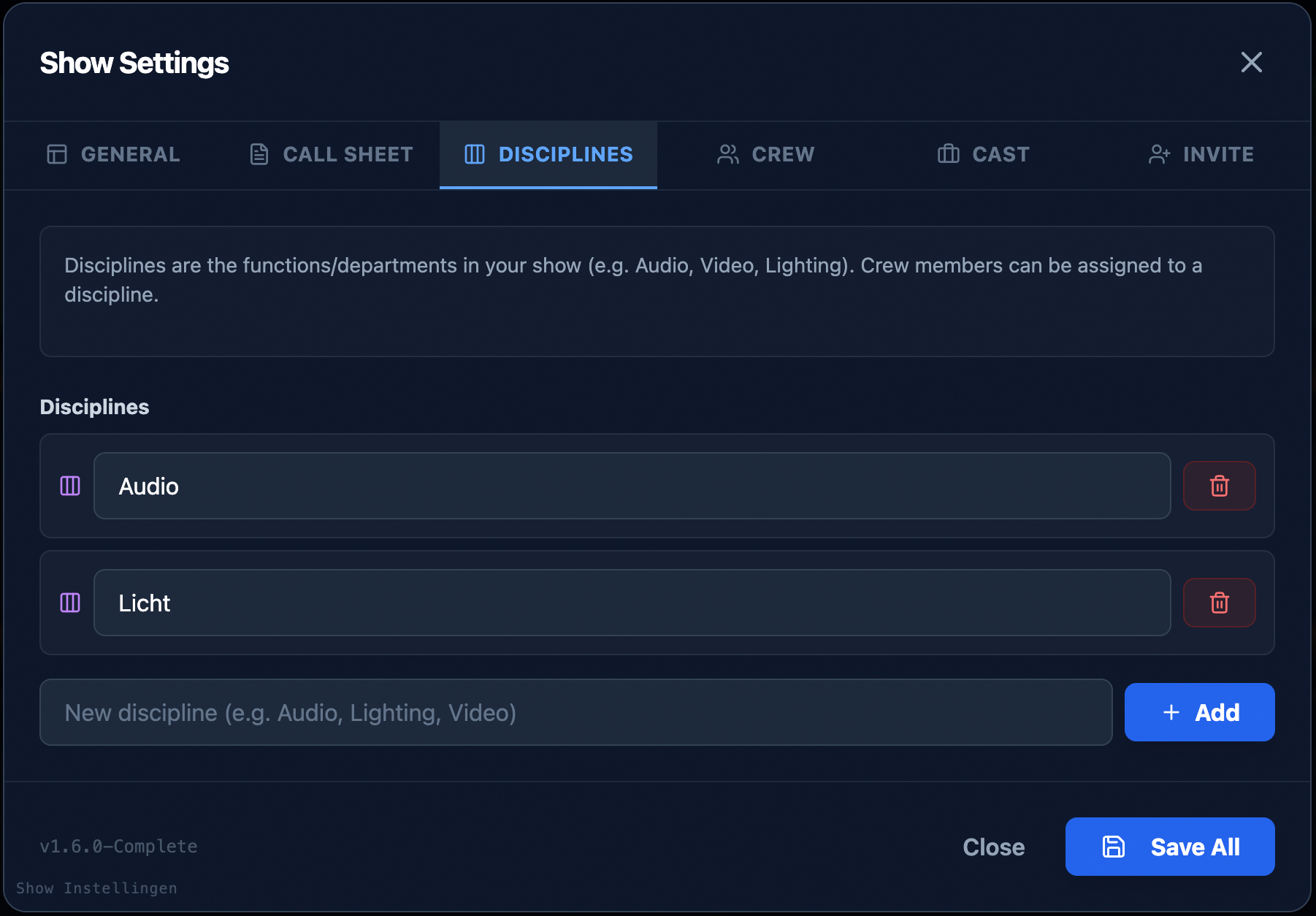
A sound engineer doesn't need to see lighting cues. With ShowCaller, each crew member filters their own view for maximum focus.
How it works for your crew
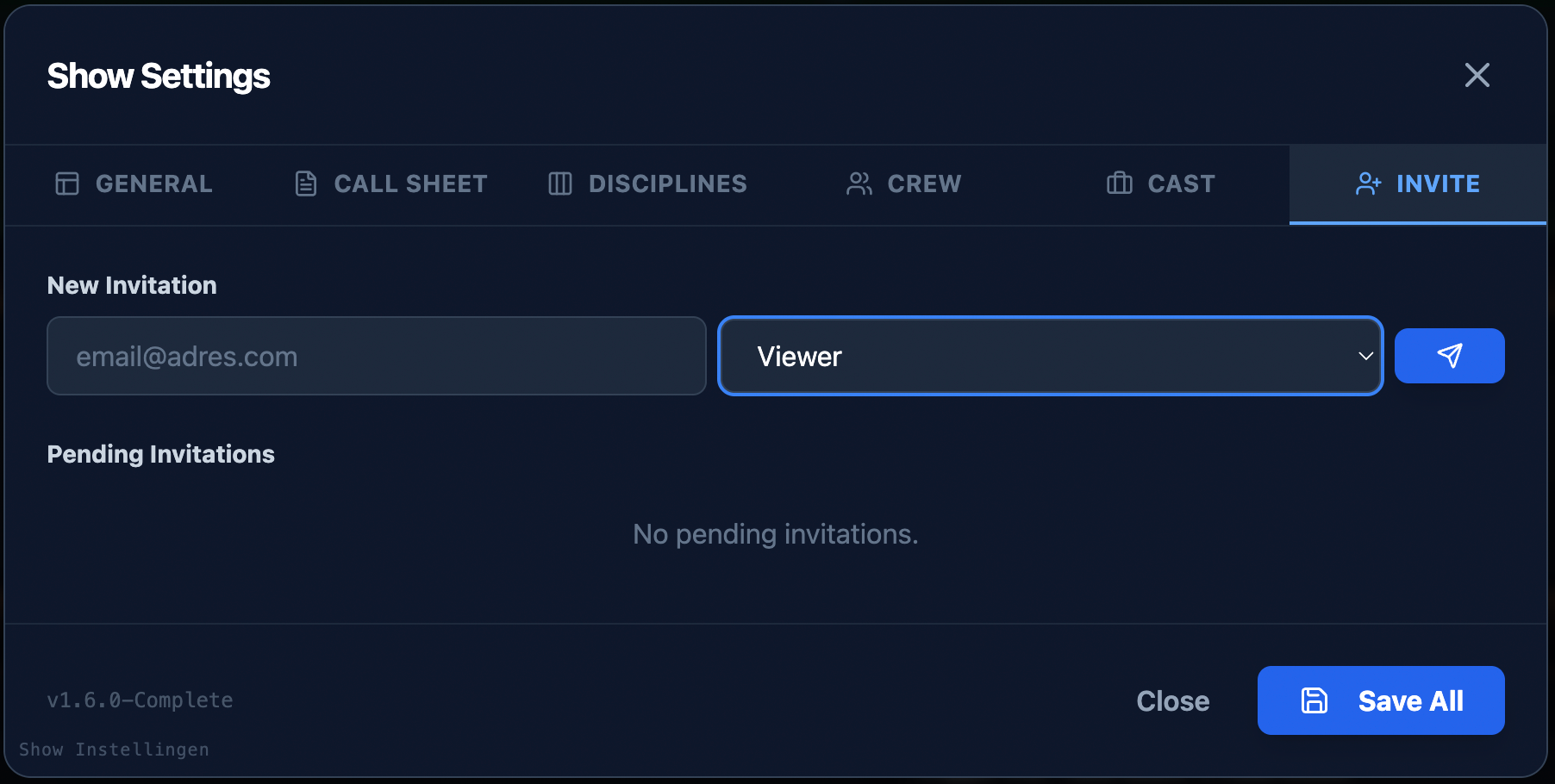
Receive Link
Crew clicks on the guest link (no login required).
Choose Role
Select 'Audio', 'Lighting' or 'Video'.
Follow Live
See the active cue and what's coming up.

The camera operator follows their own cues
Each discipline sees only the cues relevant to them
Filtered Columns
Each department only sees relevant information.
Standby & Go Indicators
Clear visual signals for the active cue.
Private Notes
Personal notes that no one else sees.
Frequently asked questions
Do freelancers need an account?
No, guest links work directly.
Are notes private?
Yes, personal notes are not visible to anyone else.
What is the difference between a cue sheet and a rundown?
A rundown is the overview of the entire show with times and segments. A cue sheet is the filtered view per technical discipline — it only shows the cues relevant to your role, such as only lighting or sound cues.
Can different crew members see different cue sheets?
Yes, that is exactly the idea. Each discipline gets its own filtered view. The sound engineer sees only audio cues, the lighting technician only lighting cues. This reduces noise and increases focus.
Does the cue sheet app work offline?
ShowCaller is primarily designed for real-time collaboration. A previously loaded show remains available if connectivity drops, but full functionality requires an internet connection.
How do crew members receive their cue sheet?
The show caller sends a link to the crew. After opening, they choose their discipline and immediately see their personalized cue sheet — no account or installation needed.
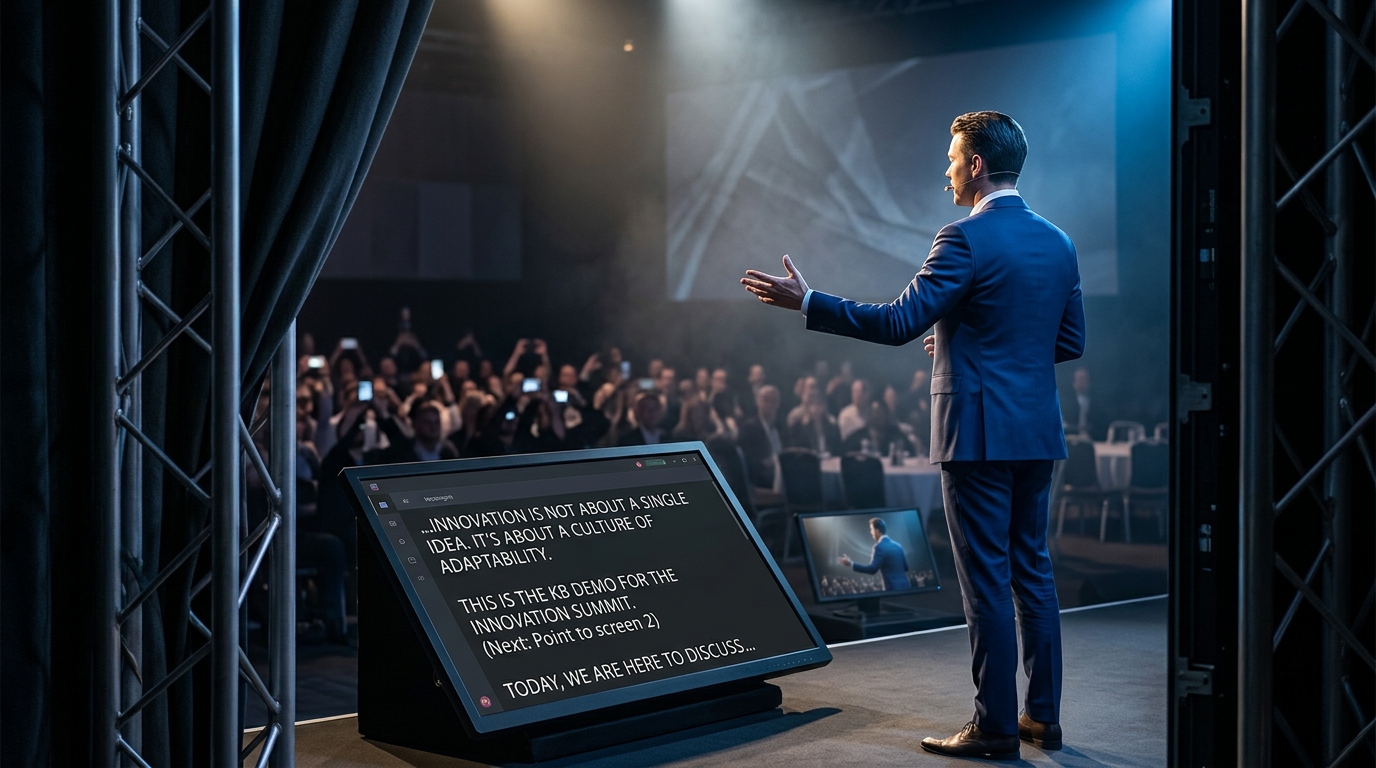
The presenter follows the prompter
The built-in prompter syncs automatically with the rundown