From Excel chaos to tight direction in minutes
Stop with version_final_v3.xlsx. Build dynamic, real-time run of shows that keep your entire production team on the same page.
Start Building for FreeWhy traditional run of shows no longer work
Every event manager knows the problem: you send the run of show around as a PDF, and five minutes later the speaker's time changes. The result? Confusion among the crew, panic in the control room, and mistakes on stage. ShowCaller solves this by creating one central source of truth. Changes to the script are immediately visible on the tablets and laptops of your entire team. No more printed paper, no more outdated versions, but complete control.
Real-Time Synchronization
An adjustment in the direction? Lighting and sound see it immediately, without refreshing.
Automatic Timing
Change the duration of an item and all start times are automatically recalculated. Accurate to the second.
Version Control is a thing of the past
Everyone is always looking at the latest version. Period.
From idea to live show in three steps
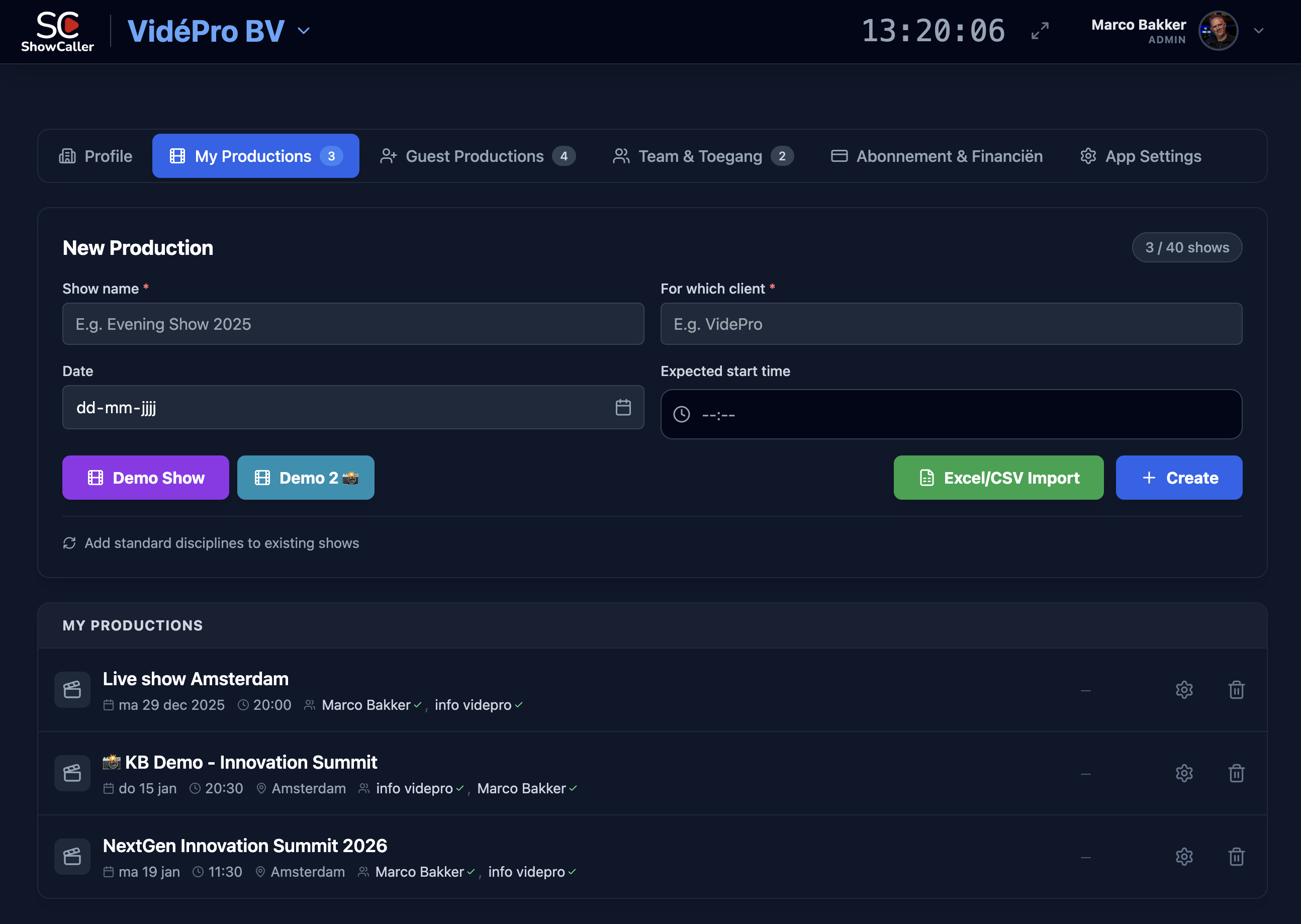
Build your Rundown
Add items with start time, duration, description, and technical cues. Or import your existing Excel and start right away.
Share with your Team
Invite crew via a link. Sound engineers see audio columns, camera operators see video cues — automatically filtered by role.
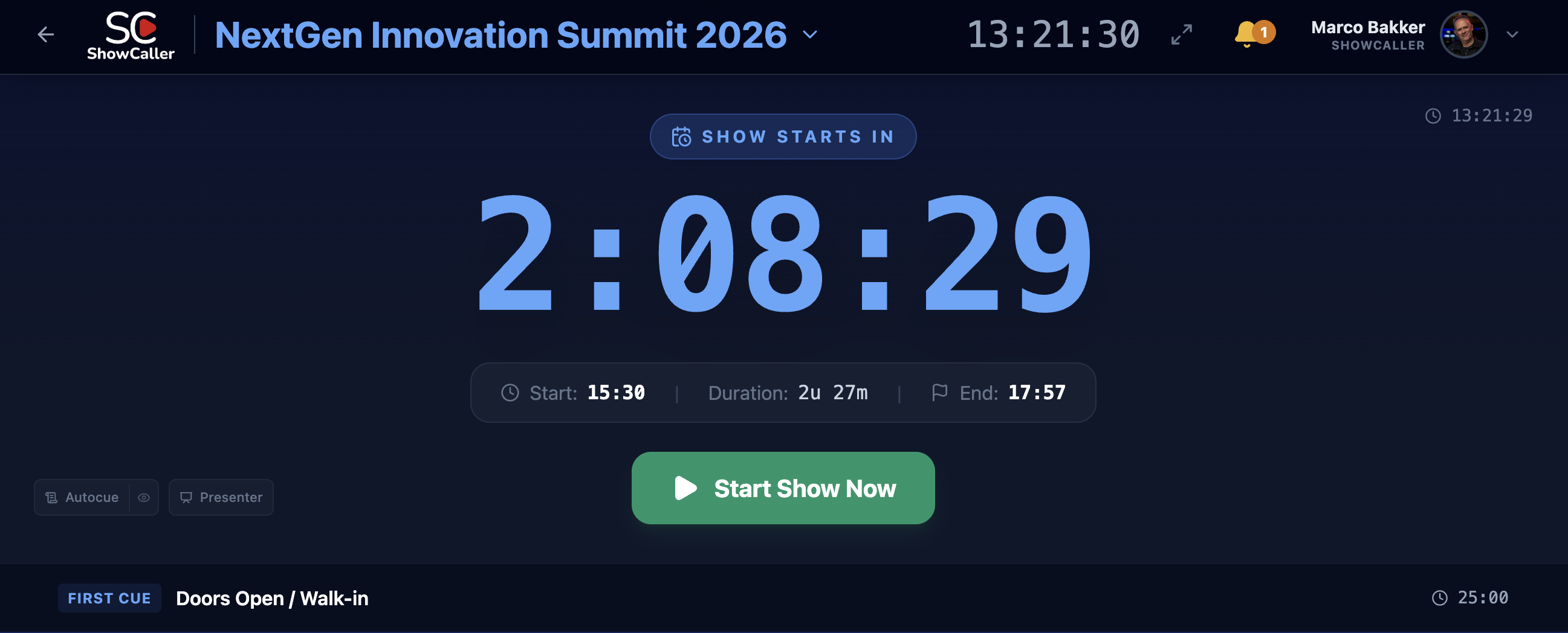
Run the Show Live
Track progress in real-time, adjust timings, and communicate with your team. ShowCaller keeps the clock for you.
From paper to digital
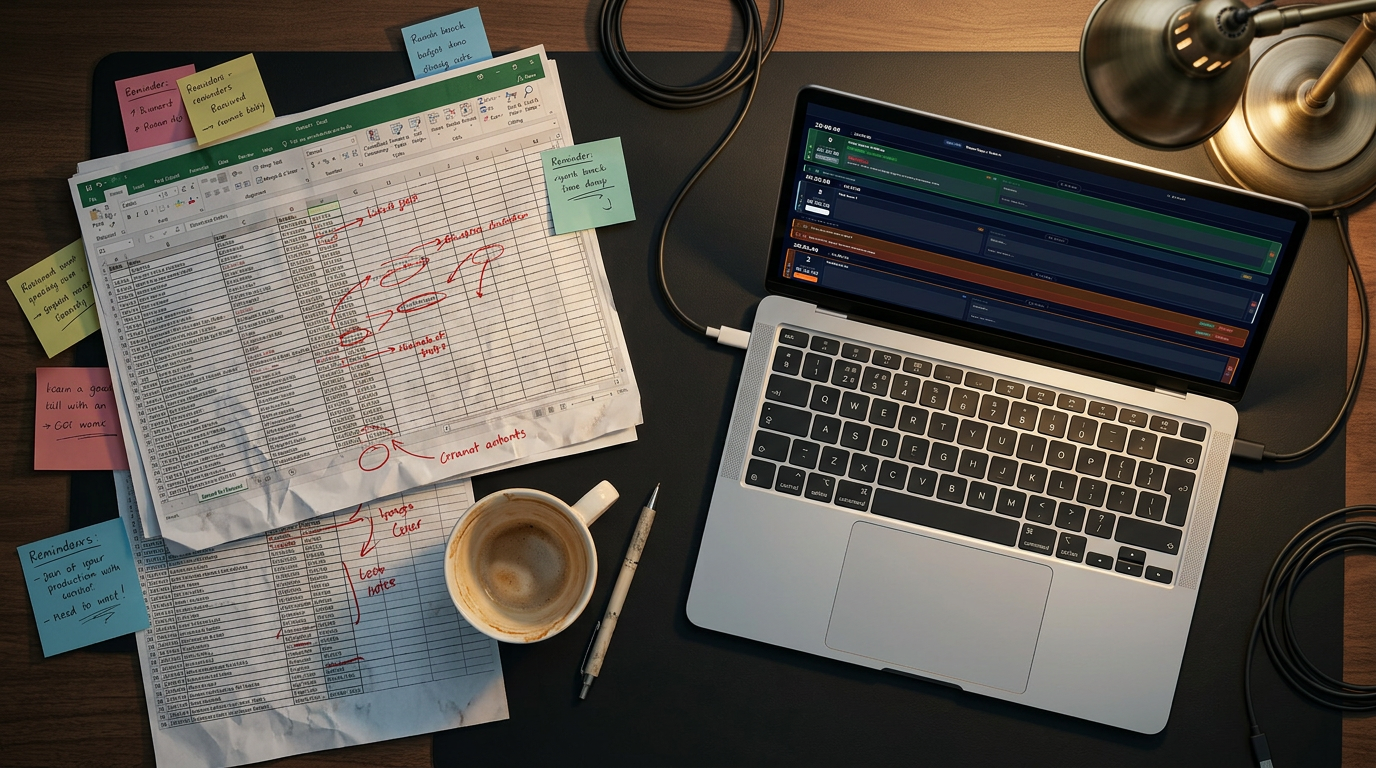
The difference is immediately visible: from Excel chaos to digital overview
More than a timetable — a smart production platform
A traditional run-of-show is static: you create it, print it, and hope nothing changes. But in practice, everything changes — speakers shift, segments get shortened, and the break needs to start five minutes earlier.
ShowCaller makes your run-of-show dynamic. Change a start time and all following items automatically recalculate their positions. Add an item in the middle of the show and the entire timeline adjusts. This saves time and eliminates errors from manual recalculation.
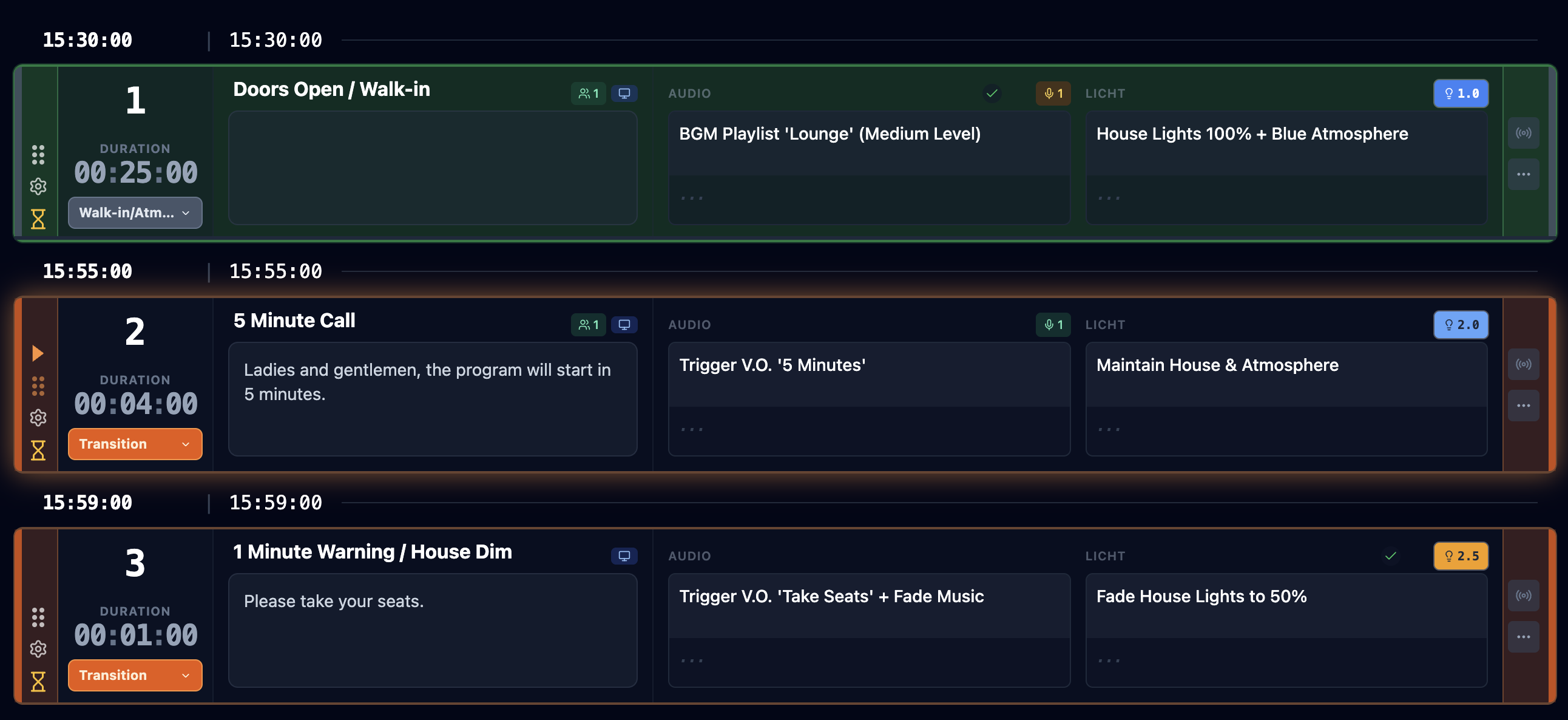
Each item in your rundown can contain more than just a title and time. Add technical cues per discipline, link scripts for presenters, and use note columns for department-specific instructions. This turns your run-of-show from a timetable into a complete production platform.
And after the show? Export your rundown as PDF for your archive, or duplicate it as a starting point for your next production.

Collaborating on the rundown
The entire team builds the rundown together — always the latest version
Frequently Asked Questions about Run-of-Show
What is a run-of-show?
A run-of-show is the detailed rundown of your event — the timetable with all segments, cues, timings, and responsibilities. It's the blueprint your entire crew follows during the show.
Can I convert my Excel rundown to ShowCaller?
Yes, ShowCaller has an Excel import function that automatically converts your spreadsheet to a real-time rundown while preserving columns and data.
What happens when I adjust a timing?
All subsequent items automatically recalculate their start times. You never have to manually go through your entire rundown to adjust times again.
Can I manage multiple shows at once?
Yes, within one organization you can create and manage multiple shows. Each production team has its own workspace.
Is there an offline mode?
ShowCaller is primarily designed for real-time collaboration and requires an internet connection. Previously loaded shows can be viewed if connectivity drops.
Can I export the rundown to PDF?
Yes, you can export your complete rundown as a clear PDF — ideal as a backup or to share with people who don't have digital access.