The Ultimate Cockpit for the Technical Director
Gebouwd dóór showcallers, vóór showcallers. Beheers de chaos van live events met een dashboard dat nooit faalt.
Probeer ShowCaller ProRust en overzicht, ook als de show uitloopt
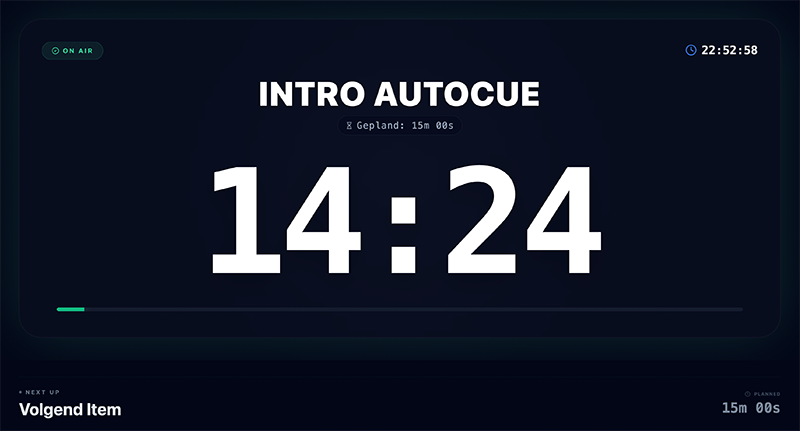
Als showcaller ben jij de piloot van het evenement. Je hebt geen tijd om te scrollen in kleine Excel-celletjes of te rekenen hoe ver je uitloopt. ShowCaller geeft je een interface die speciaal is ontworpen voor de druk van live producties. Met grote klokken, duidelijke 'Next' indicatoren en de mogelijkheid om 'on the fly' te schakelen, behoud je altijd het overzicht. Zelfs als de keynote spreker 10 minuten te lang doorpraat.
De 'Next' Knop
Ga naar de volgende cue met één druk op de spatiebalk. Houd je ogen op het podium, niet op je scherm.
Slimme Klokken
Zie direct het verschil tussen geplande tijd en werkelijke tijd. Weet precies hoeveel je in of uitloopt.
Noodgrepen
Snel een 'Opvulling' invoegen of pauze inkorten? Pas het live aan zonder de flow te breken.
How ShowCaller Works
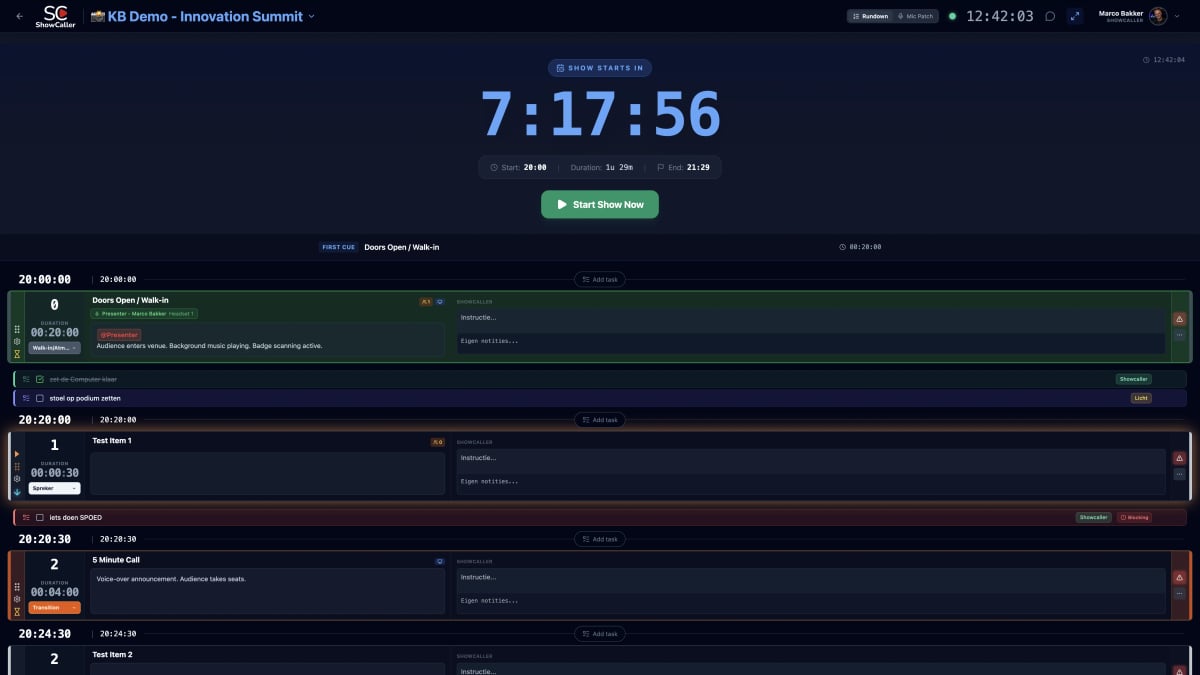
Create your Rundown
Start a new project or import your existing Excel. Add segments, timings, and technical cues in a clean interface.
Invite your Crew
Send your team a link. Each discipline automatically gets the right view based on their role — no accounts needed.
Call the Show
Give GO commands, track timing in real-time, and communicate via nudges. Every change syncs instantly to all devices.
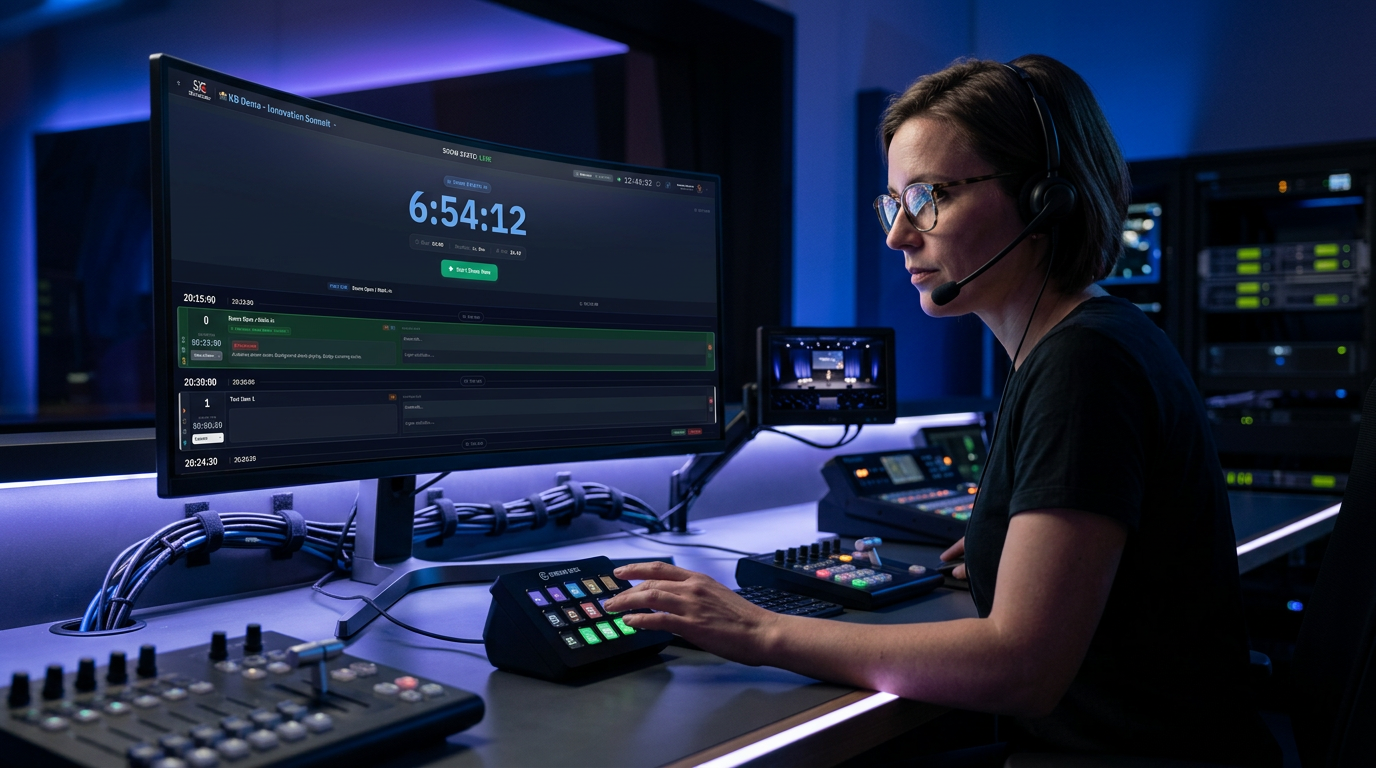
The show caller in action
The show caller directs the entire production from a single cockpit
The show caller deserves better tools
Every professional production stands or falls with the show caller. Yet many directors still work with clunky tools not built for the hectic pace of a live show. Printed rundowns become outdated as soon as the first change is made, and Excel sheets lack the real-time feedback you need when the clock is ticking.
ShowCaller is built by show callers, for show callers. The software understands that in the middle of a show you have no time to browse tabs or open files. Everything you need is on one screen: the current cue, the next cue, the clock, and direct communication with your crew.
With the built-in prompter function, presenters can follow their text on a separate screen, synchronized with your rundown. And through the Companion integration, you trigger lights, sound, and video with a single button press — or automatically via the rundown itself.
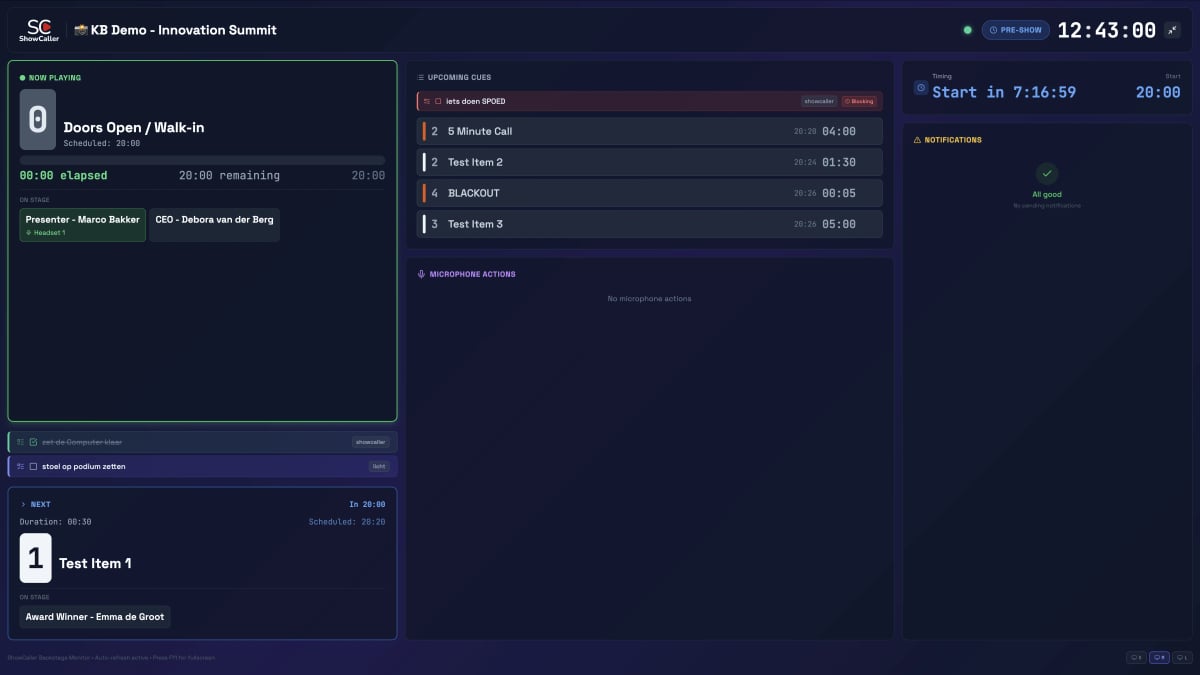
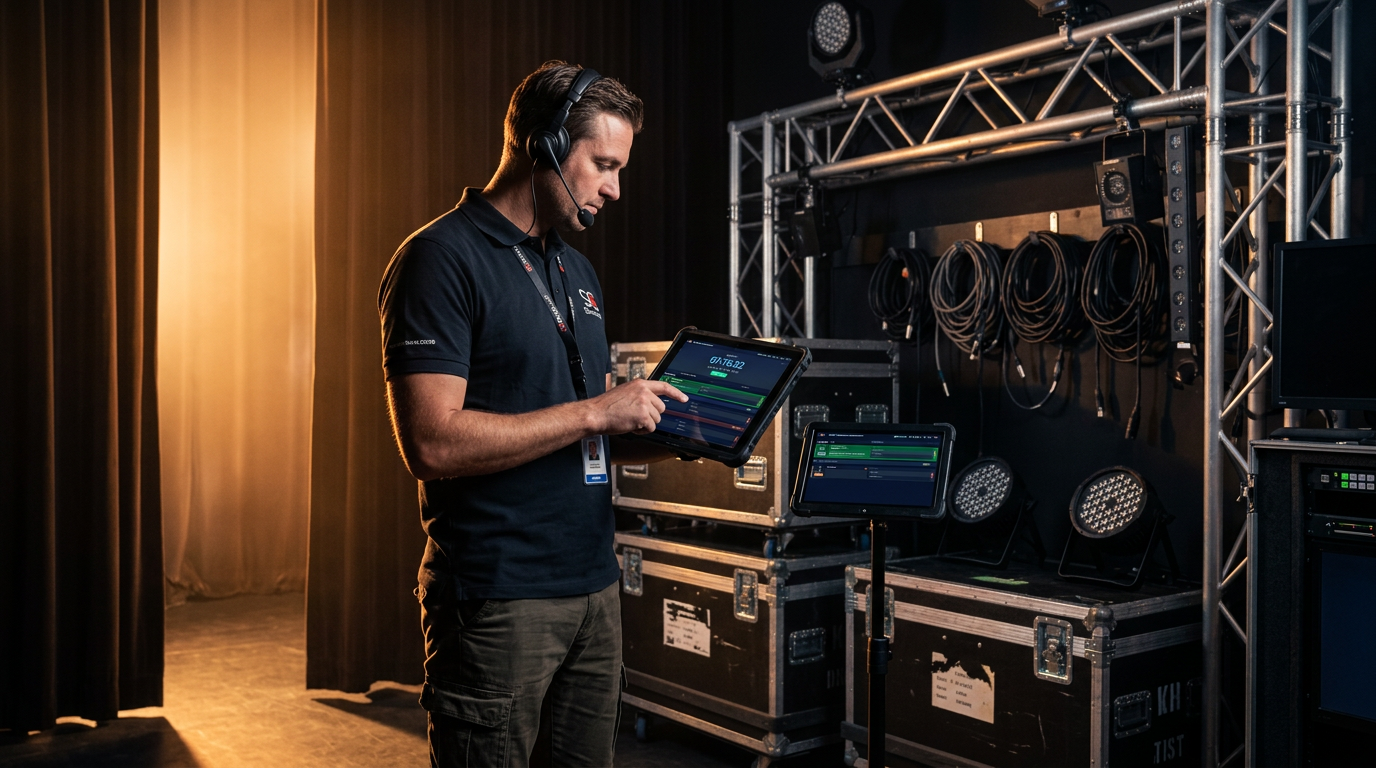
Backstage with real-time access
Even backstage, your crew always has the current rundown at hand
Frequently Asked Questions about Show Caller Software
What is show caller software?
Show caller software is a digital tool that allows technical directors to manage live productions. It replaces printed rundowns with a real-time platform that synchronizes cues, timing, and communication for the entire team.
Is ShowCaller suitable for large productions?
Yes, ShowCaller is used for productions of any size — from small corporate presentations to large festivals and TV broadcasts. The platform scales with your crew size and number of cues.
Does my crew need to create accounts?
No, crew members receive a magic link for instant access. They choose their role and immediately see the right view. No registration or installation required.
Does ShowCaller work on tablets and phones?
Yes, ShowCaller is a Progressive Web App that works on any device with a modern browser — laptops, tablets, and smartphones. You can also install it as an app for faster access.
Can I import my existing Excel rundown?
Yes, you can import Excel files directly. ShowCaller automatically converts the data into a real-time rundown while preserving your columns and structure.
How does ShowCaller differ from a shared Google Sheet?
ShowCaller offers specific live-show features that spreadsheets lack: role-based views, GO/standby cue tracking, automatic time calculation, Companion hardware integration, and a built-in prompter.